
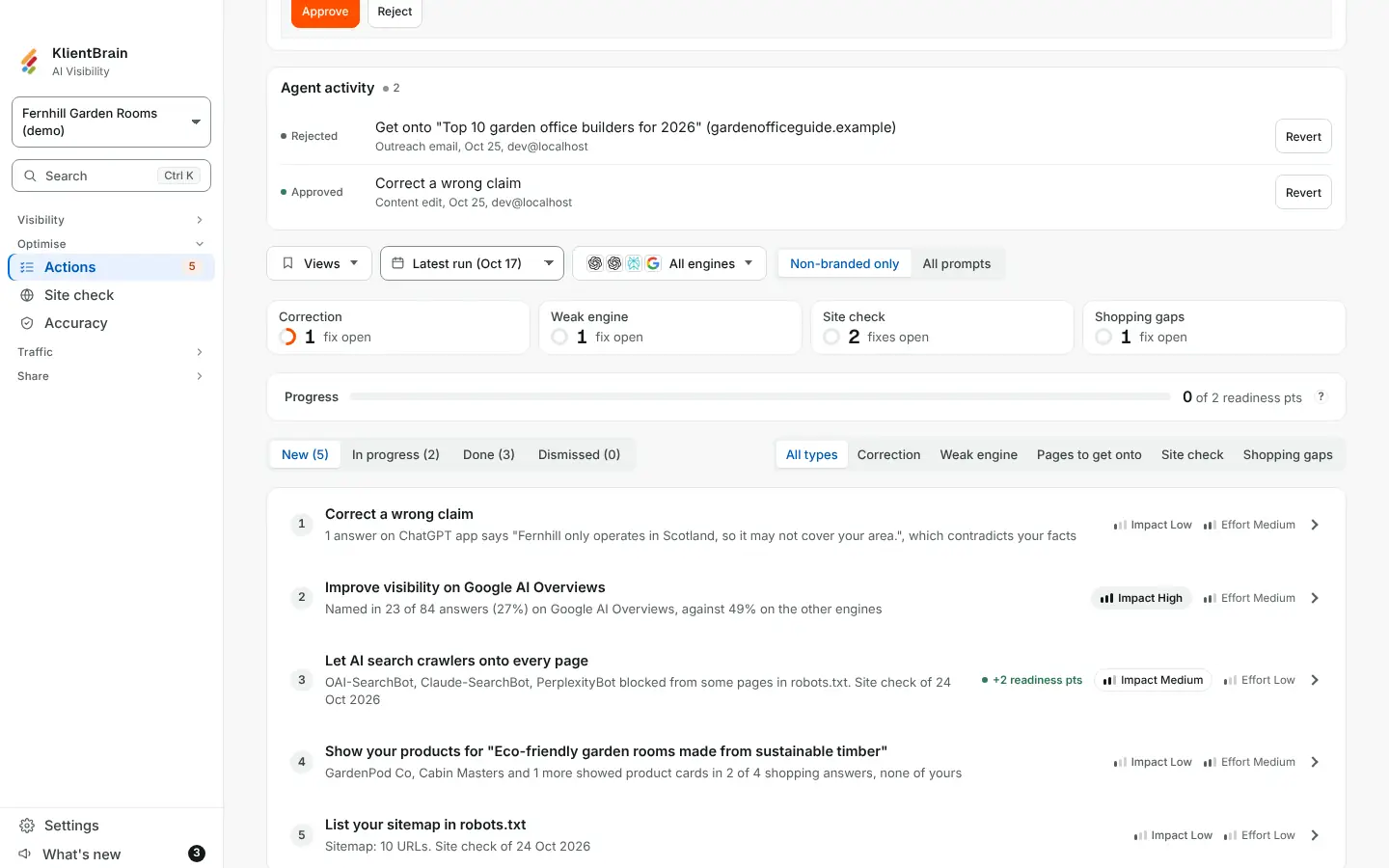
When you use Fix with AI, every Approve, Reject, Revert and Sent is logged. The Agent activity card on the Actions page, under the Review list, shows that log for the whole project in one place, so you do not have to open each fix to see what changed.
Reading the list
The card is closed to begin with and shows a count. Open it to see the five newest changes, newest first. Each row has:
- A pill: Approved, Rejected, Reverted or Sent.
- The fix's title, which takes you to that fix.
- Its kind, the day and who did it.
Choose Show all to see every change, and Show fewer to fold the list back.
Undoing a change
- Revert appears where the newest change was an Approve or a Reject that can still be undone. It puts the draft back to waiting for approval. Nothing outside the app changes.
- Cannot be unsent appears beside an email that has gone out. The record stays as it is.
- Revert limit reached appears once a draft has been reverted three times.
Only people who can edit the project see Revert.
Related
See Fix with AI for how drafts are made and approved.