
Emails and PDF reports have no browser to ask, so they use the Country you set for the workspace. It picks the English they are written in: a United States workspace reads "October 12", a United Kingdom or Australian one reads "12 October", and an Indian one writes "12,34,567". The words stay English.
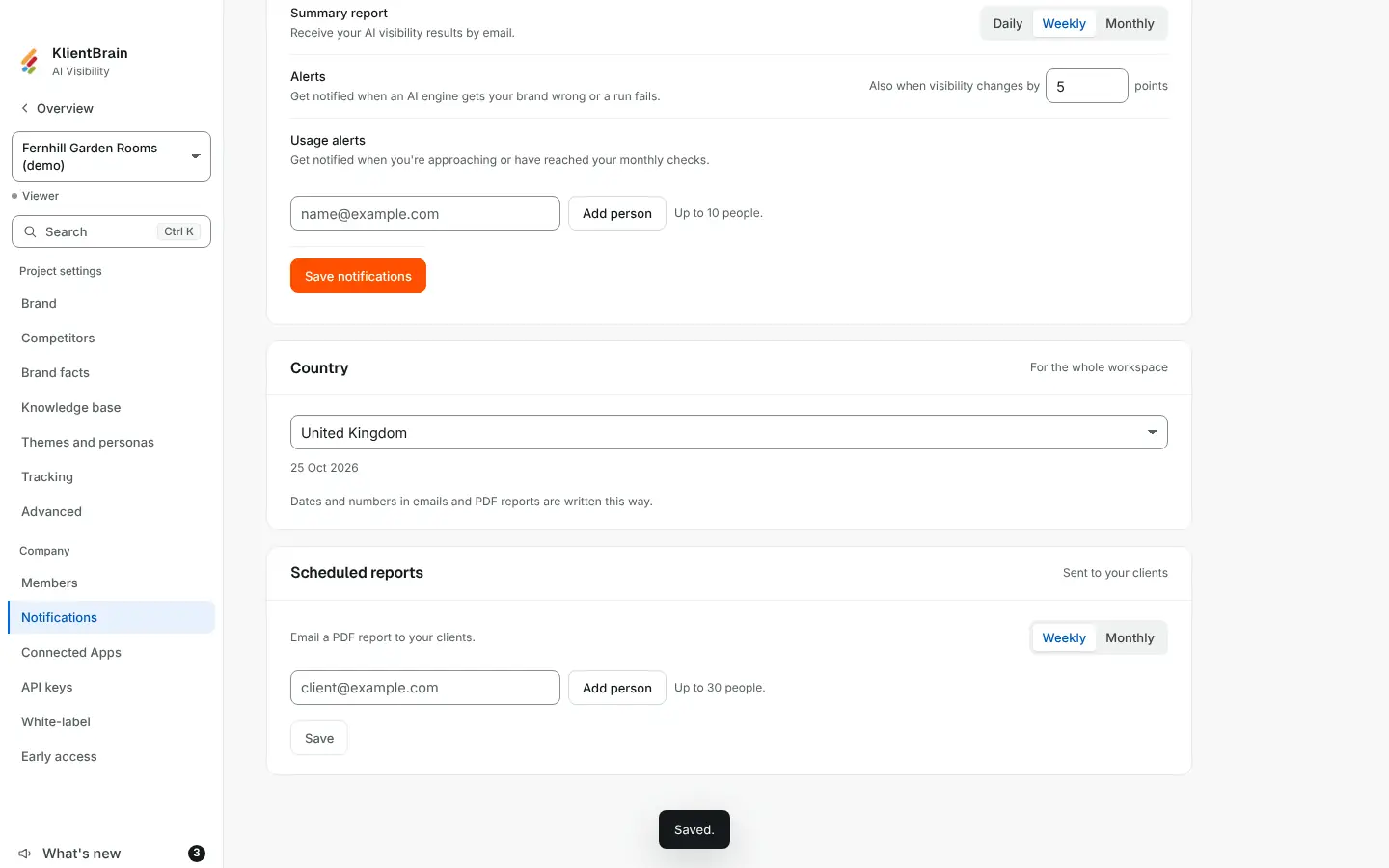
Change it
- Open Settings, then the Notifications tab.
- Find the Country card. It says For the whole workspace.
- Pick a country from the list. It saves at once and shows Saved.
Next to the list, a sample date shows how a date will look in your emails and reports.
Who can change it
Only Admins. Everyone else sees the country and the line "Only Admins can change this."
Good to know
- The first time it is needed, an empty country is filled in from the first market of your earliest real project. A country someone has chosen is never overwritten.
- A country with no English date data in the app (for example Japan) gets international English: day before month, commas between thousands.
- It does not change the language of the app, and it does not change how dates look on screen. It affects emails and PDF reports.