
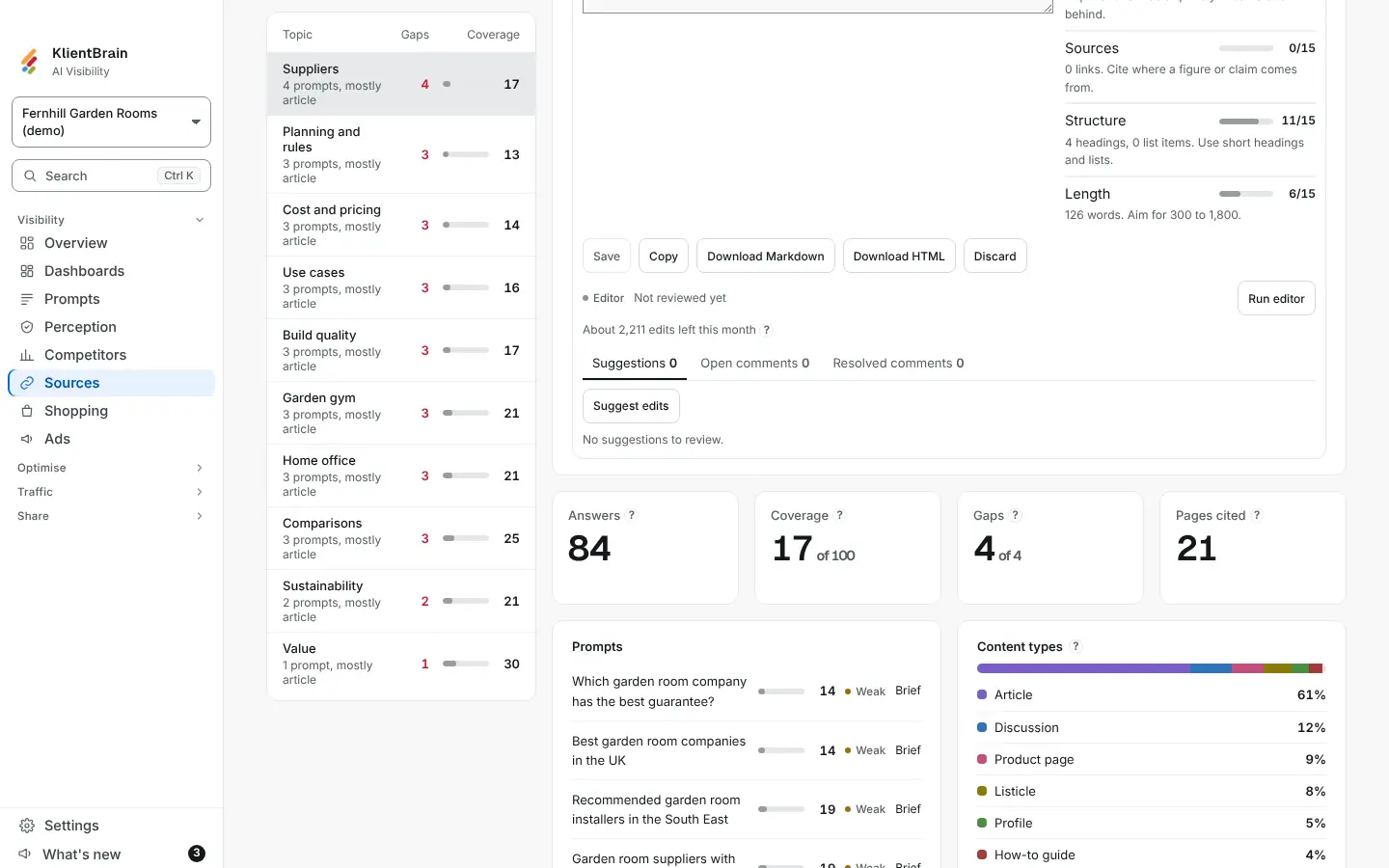
Under each Write with AI draft is an editor panel with three tabs: Suggestions, Open comments and Resolved comments. Each tab shows a count. Nothing is published or sent.
Suggestions
- Save your edits first. While there are unsaved edits, the buttons are off and the panel says Save your edits first.
- Choose Suggest edits. After the first time the button reads Suggest again.
You get up to 12 suggestions as cards under the text box. Each card shows a kind (Answer, Statistic, Source, Quote, Cut or Clarity), a one-line reason, and the passage with removed words struck through and added words marked.
- Show in draft selects the passage in the text box.
- Apply replaces the passage. The score beside the text updates.
- Dismiss removes the card.
If you have changed a passage since the suggestion was made, the card says Out of date and offers only Dismiss, so it never overwrites newer work. Suggest again replaces suggestions you have not decided and keeps the ones you have.
Suggestions use the same Ask AI allowance as drafts. The assistant quotes your draft word for word, and may use only your brand facts. Anything it cannot fill in is a placeholder in square brackets.
Comments
- Choose Open comments.
- Select text in the draft, then type in the box, which reads Select text in the draft, then write a comment. The passage is kept above your comment.
- Choose Comment.
On each comment, Resolve moves it to Resolved comments, Reopen brings it back, and Delete removes it. Comments can be up to 1,000 characters.
Limits
- Suggestions appear as cards below the text, not marked in the text itself.
- There are no replies or mentions on comments.
- An applied suggestion cannot be reverted from the panel. Edit the text, or keep a copy before you apply.
- Only people who can edit the project see the panel. Viewers and client logins do not.