
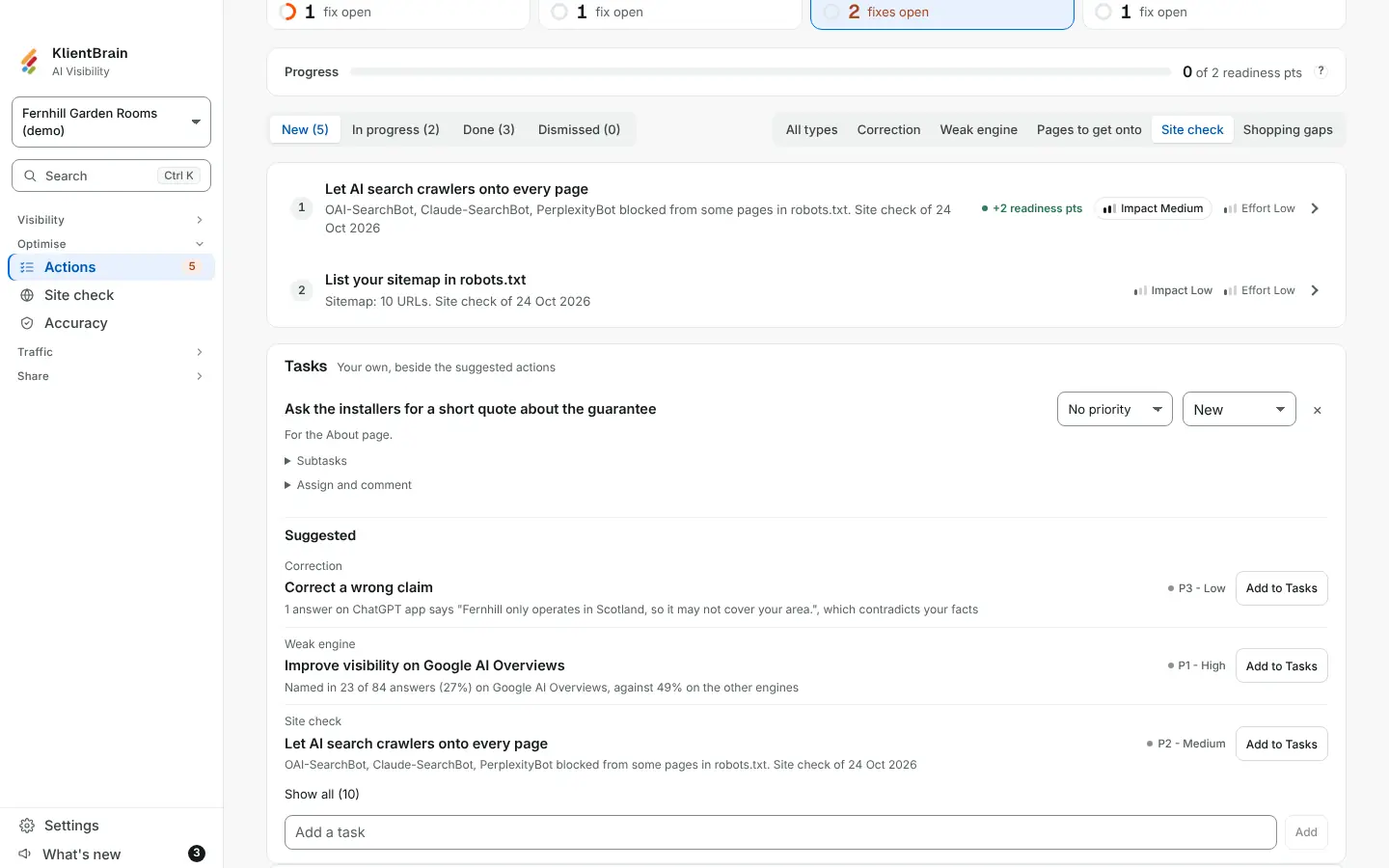
After you run a Site check, the problems it finds also appear as fixes on the Actions page, with the type Site check. You can mark them done or dismiss them like any other fix.
How a site fix is placed
Fixes from your answers are ranked by demand, gap and reach. A site problem has no such figure, so a site fix is placed by how serious the problem is, and its Impact hover says so:
- High: AI crawlers or readers cannot reach your site, for example a blocked AI search bot, Google or Bing blocked, robots.txt failing, a noindex on the homepage, a homepage that does not load, or almost no text in the page.
- Medium: some are limited, or something helpful is missing, such as a partly blocked bot, thin text, no sitemap or no title.
- Low: a tidy-up.
Within its band a site fix sits after the fixes measured from your answers. No impact number or money is ever attached to a site fix.
Which checks become fixes
| Fix | Impact | When |
|---|---|---|
| Let AI search crawlers in | High | An AI search bot is blocked in robots.txt. |
| Let AI search crawlers onto every page | Medium | Some pages are closed to AI search bots. |
| Let Google and Bing crawl your site | High | Google or Bing is blocked. |
| Let Google and Bing crawl every page | Medium | Some pages are closed to Google or Bing. |
| Fix your robots.txt error | High | Your robots.txt errors, so crawlers treat the whole site as blocked. |
| Tidy your robots.txt | Low | It has lines crawlers cannot read. |
| Remove noindex from your homepage | High | The homepage is marked noindex. |
| Make your homepage load for crawlers | High | The homepage does not answer. |
| Put your homepage text in the page | High | Almost no text is there without JavaScript. |
| Add more homepage text without JavaScript | Medium | Little text is there without JavaScript. |
| Add a sitemap | Medium | There is no sitemap. |
| List your sitemap in robots.txt | Low | A sitemap exists but robots.txt does not name it. |
| Add a title tag | Medium | The homepage has no title. |
Some checks never become fixes: AI training crawlers (blocking them is a choice and does not stop AI search), llms.txt, title length, meta description, canonical link, structured data, a missing robots.txt, and anything marked Not checked.
Reading a site fix
Each row names the bot or the check, for example "GPTBot blocked in robots.txt", and says why it matters for AI answers. A Site check more than 30 days old shows its date beside each fix, so you know how old the evidence is. Run the Site check again after you fix a problem.
See also Readiness points per fix.